You can leave a shared folder at any time by changing the folder's settings on the Dropbox website or deleting it. If you change your mind or leave a folder accidentally, you can rejoin it later.
Keep in mind that when you leave a shared folder, it still lives in the Dropbox accounts of other members. If you're the owner of a shared folder, you may want to unshare the folder or remove members instead.
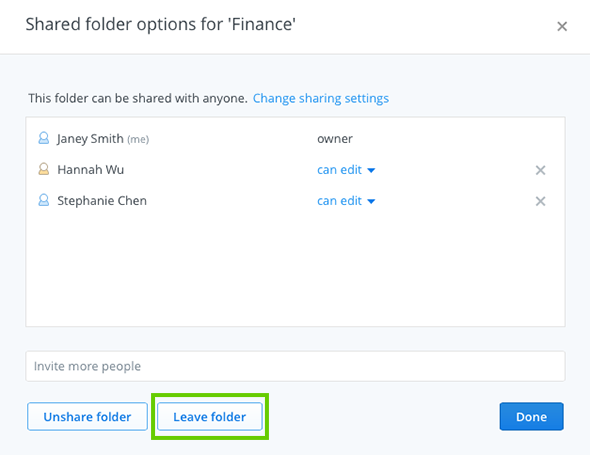 Leave folder button from the Shared folder options window
A pop-up message will ask you to confirm your choice and give you the option to keep a copy of the folder and its files on your hard drive.

