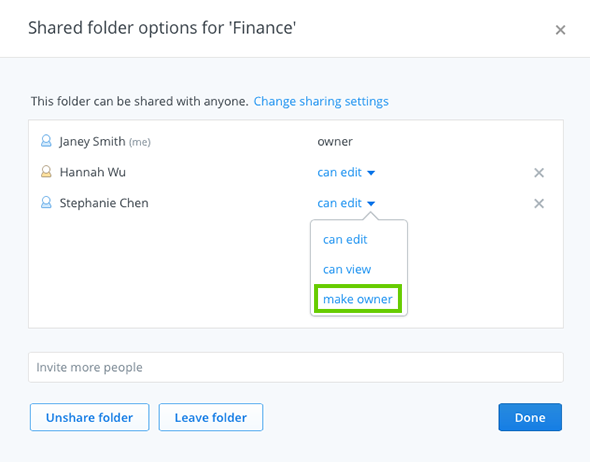
If you're the owner of a shared folder, you can transfer ownership to another member by changing the folder's options on the Dropbox website. Once ownership is transferred, the new owner will be the only person who can unshare the folder or remove members.
Dropbox Pro and Dropbox for Business users: You can also set roles and permissions for members of your shared folders. Learn more about shared folder permissions.
Please note that you must be the current owner of a shared folder to transfer ownership. By default, the original creator of a shared folder is the owner.
If you're the owner of a shared folder and leave it without transferring ownership, the shared folder will be without an owner. In that case, you can always rejoin the shared folder and be reinstated as the owner. You can then choose to transfer ownership using the steps above.