If you've left a team folder accidentally, you can rejoin it through the Dropbox website.
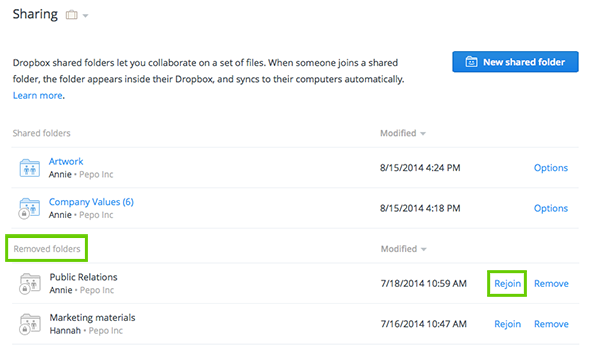
Dropbox will automatically download the team folder again even if the previous version still exists on your computer. If the previous version is in the same location, Dropbox won't write over it with the new team folder. Instead, since you can't have two folders with the same name, it will download the new version of the rejoined team folder and append "(1)" to the end of the name.
 Dropbox for Business
This article refers to a feature unique to Dropbox for Business. Dropbox for Business is aimed at projects, groups, and other organizations that want to share the same Dropbox storage quota with all of its members. If you're interested in learning more or want to sign up, visit the Dropbox for Business webpage.

