With Dropbox for Business, a shared folder only counts once toward the overall storage quota for the team. This way you can share as many folders with teammates as you want and not worry about taking up the space of multiple accounts. You can also share a folder with someone outside your team if your admin allows it. However, the size of the folder will take up both your team's storage quota and your external friend's quota, just like normal.
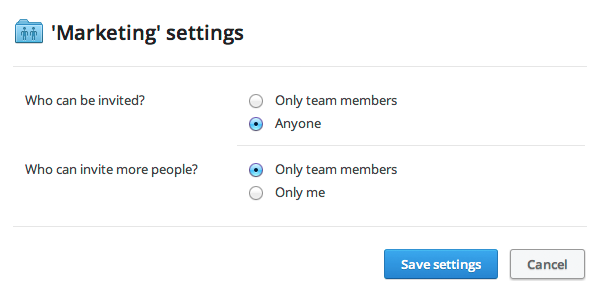
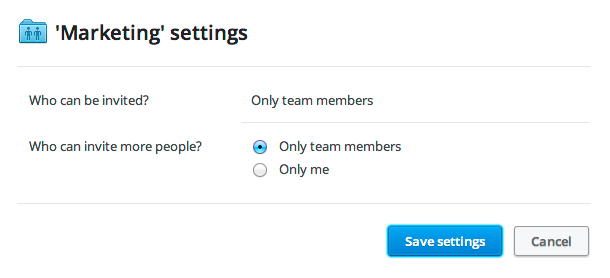
If your admin allows sharing with non-team members, then you'll still be able to make individual shared folders “team only” as needed.
 Dropbox for Business
This article refers to a feature unique to Dropbox for Business. Dropbox for Business is aimed at projects, groups, and other organizations that want to share the same Dropbox storage quota with all of its members. If you're interested in learning more or want to sign up, visit the Dropbox for Business webpage.

