WinXPVista/Win7/Win8Mac
If you have a Dropbox for Business account, you can switch between it and a personal account on the Dropbox website without having to sign out and sign in each time.
While signed in to one account, you can access your other account at any time by selecting the name of the account you want to view from the sidebar on the left side of the screen.
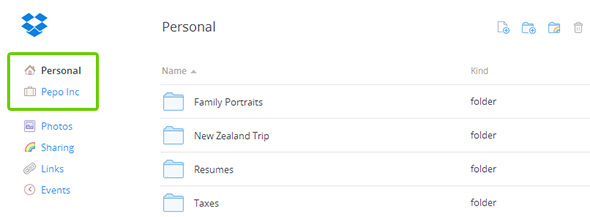
You may be prompted to sign in to your other account to access the content, depending on your last activity.
Your browser will show the contents of the Dropbox folder for your other account. You can now use that account as you normally would. To go back to your other account, just click on the name of the account you want to use from the left-hand sidebar again.
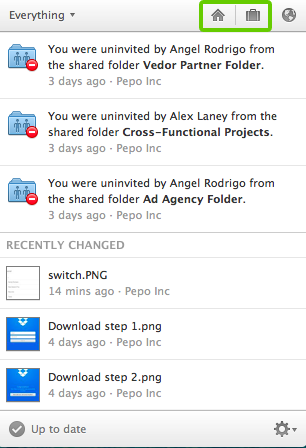
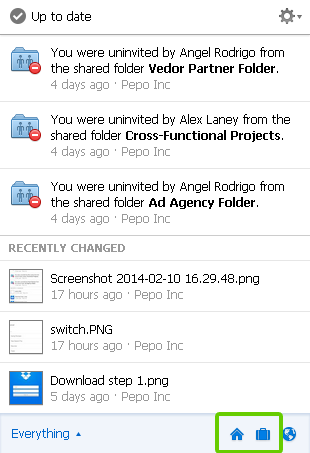
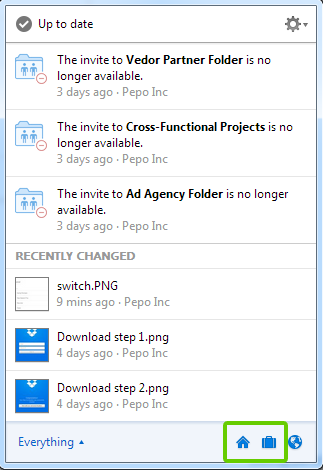
You can easily switch between your personal and business Dropbox accounts on your device. Just click the Dropbox icon on the menu bar and select either the home or briefcase icons to access the relevant folder and content on your computer.
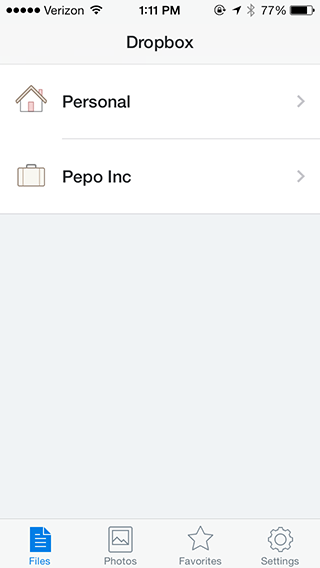
Two different Dropbox accounts can also be accessed from within the Dropbox mobile app. From the home screen, you can select either your personal or work Dropbox. Simply return to the home screen at any time to switch between them.
 Dropbox for Business
This article refers to a feature unique to Dropbox for Business. Dropbox for Business is designed for projects, groups, and other organizations that want to share the same Dropbox storage quota with all of its members. If you're interested in learning more or want to sign up, visit the Dropbox for Business webpage.