Groups are a new way of managing shared folders that make collaboration easier. Using groups, you can create and manage lists of members to share information directly with the group instead of adding each person individually.
Sign up for early access to enable this feature, and learn more about groups.
Whether you’re a group member or a group owner, you can leave a group at any time—as long as the group still has an owner. Only team admins may create ownerless groups.
To leave a group:
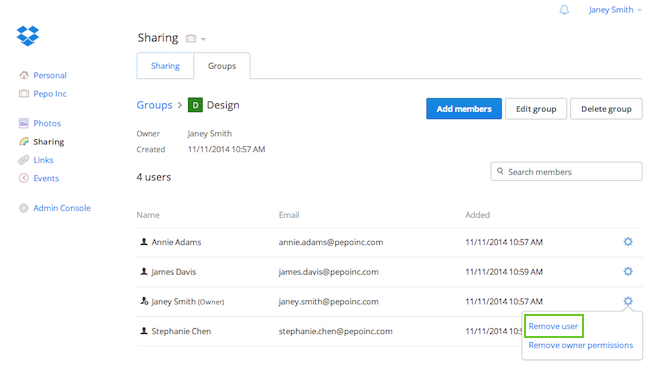 Click Remove user to leave the group

