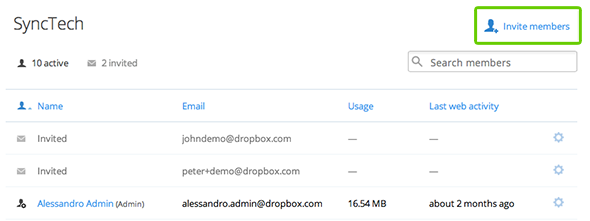
If you're an admin, invite more people to your Dropbox for Business account by using the Admin Console on the Dropbox website. People you invite can convert their existing Dropbox account to join the team.
Make sure you have the correct email addresses that new team members will use for their accounts.
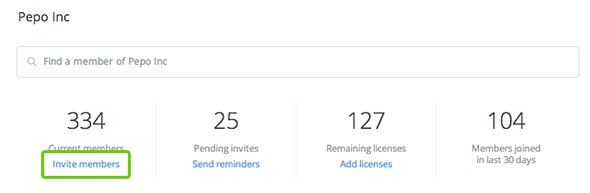
You can also invite people to your team by going to your admin dashboard. Under Current members, click Invite members. Learn more about the admin dashboard.
If you're already a Dropbox Pro subscriber and you purchase or join a Dropbox for Business account, the amount of credit remaining in your Pro subscription will be refunded to you.
 Dropbox for Business
This article refers to a feature unique to Dropbox for Business. Dropbox for Business is aimed at projects, groups, and other organizations that want to share the same Dropbox storage quota with all of its members. If you're interested in learning more or want to sign up, visit the Dropbox for Business webpage.

